


Google Analytics
See your Google Analytics numbers inside Agility: site-wide metrics on the home dashboard and per-page metrics in the page sidebar. Editors check how content performs without opening another tab.
- Analytics
- Utilities
Know how a page is doing while you edit it
Analytics usually lives in a different tab, owned by a different person. The Google Analytics app brings the numbers to where editors already work, so the question 'is this page doing anything?' has a quick answer, and nobody has to go and ask for a screenshot.
What you can do
- Dashboard: your website's metrics on the main Agility dashboard.
- Page sidebar: Google Analytics data for the page you are editing.
- Property and view choice: pick which Google Analytics property and view the data comes from.
- Sign in with Google: connect with your Google account and grant Agility access to your analytics data.
Who it's for
Editors and marketers who want performance in front of them while they work, and teams who'd rather not hand out analytics logins to everyone who edits a page.
The docs walk through the install and the Google sign-in. Fair warning: the docs cover the dashboard, and the page sidebar has less written about it.
Get started
- Open Apps In Agility, go to Settings and choose Apps under Development.
- Start the install Click Install, select Google Analytics from the marketplace, then click Continue on the app details.
- Connect Google Click Continue with Google and sign in to grant Agility access to your analytics data.
- Choose your data Select the Google Analytics property and view to show, then click Install and Finish.
- Check your dashboard Open the Agility dashboard to see your analytics.
Setting it up
Screenshots
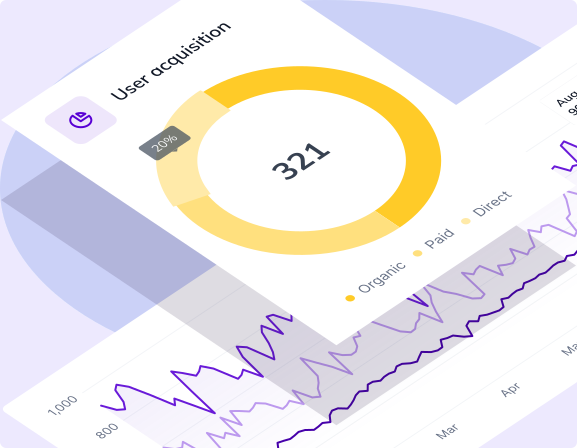
Dashboard 1
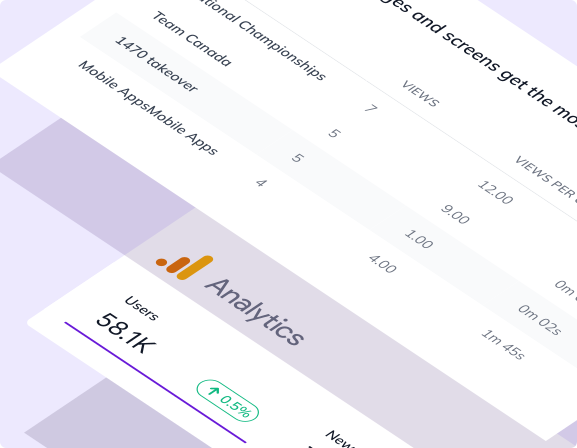
Dashboard 2