


YouTube
Paste a YouTube link and Agility fetches the video's details and shows a live preview. Editors embed video without touching HTML, and your front end receives the full video metadata.
- Video
Paste a link, get a video
Embedding video should be one paste, not a ticket. The YouTube app adds a video field where editors drop in a YouTube link and see the video before they save.
What you can do
- YouTube Video field: a custom field for content and component models.
- Paste any YouTube URL: it supports watch, short, embed and mobile link formats.
- Automatic details: click Fetch and the app loads the video's metadata through YouTube's oEmbed API.
- Live preview: the video shows in the field with the standard YouTube embed player.
- Full metadata for your site: the complete video metadata is stored as JSON and returned by the Agility API, including what you need for thumbnails.
Who it's for
Content teams who publish YouTube video in articles, landing pages and product pages. Developers who want structured video data instead of pasted iframe code.
There's nothing to configure and no API key is needed for public videos. The docs show how to render the field.
Get started
- Install the app Open Settings → Apps in Agility and click Install on the YouTube Video Field app.
- Add the field In a content or component model, add a custom field and choose YouTube Video.
- Paste a link On a content item, paste a YouTube URL and click Fetch to load the details and preview.
- Save the content Click Save. The video data is stored with the item.
- Render it Parse the JSON field value in your front end. The docs include a Next.js example.
Setting it up
Screenshots
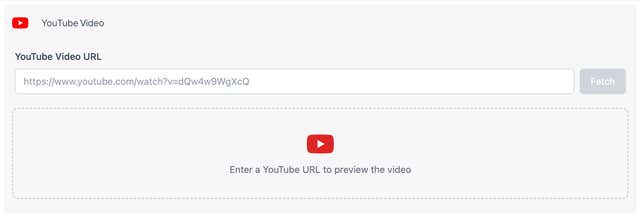
Empty Field
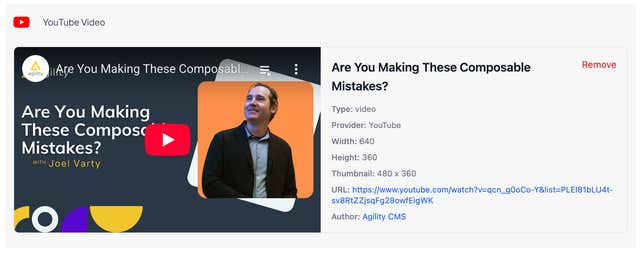
Video Selected with Details