


Power Fields
Three field types for your content models: a friendly URL slug field, a Markdown editor and a block editor. Editors get the right tool for the job, and your front end gets clean, predictable values.
- Utilities
Better fields for the content your team actually writes
A plain text box is the wrong tool for a URL slug, and a rich text field is the wrong tool for Markdown. Power Fields gives each job its own field, so editors stop working around the model and developers stop cleaning up after it.
What you can do
- Friendly URL: a slug field for friendly URLs. It stores a plain text slug, so you treat it like any other text field.
- Markdown editor: write in Markdown. The value is plain text, and any Markdown-to-HTML converter can render it.
- Block editor: a block-based editor, built on editor.js, that can replace the rich text field. It handles headers, plain text, images, lists and tables.
- Predictable output: the block editor stores a JSON array with one entry per block, so you render each block by its type.
Who it's for
Content teams who want more control than a rich text box gives them, without learning HTML and CSS. Developers who would rather store Markdown or structured blocks than a pile of inline markup.
Install it from Settings → Apps, add the fields to a content or component model, and the docs cover how to render each one.
Get started
- Install the app In Agility, open Settings → Apps and install Power Fields. You need to be an administrator.
- Add a field to a model Create or edit a content or component model and choose Friendly URL, Markdown or Block Editor as the field type.
- Create content Editors fill in the new fields on any item or component built from that model.
- Render it on your site The slug and Markdown fields are plain text. The block editor returns JSON that you render block by block.
Screenshots
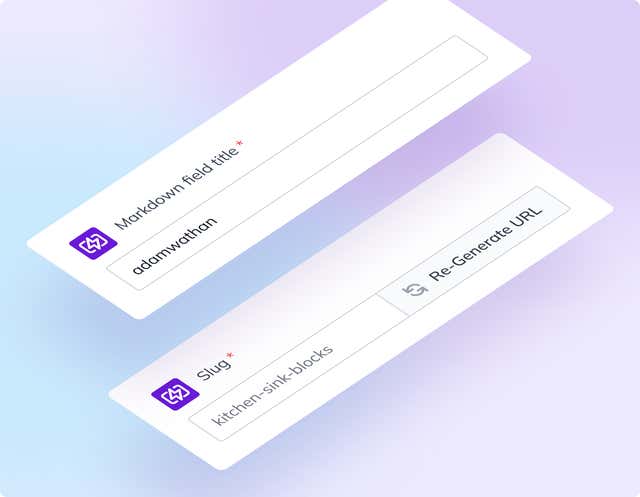
Slug Field

Markdown Editor