


Hubspot
Pick a HubSpot form from a list on any page. Marketers place and swap forms without a developer, and submissions land in HubSpot next to your contacts and leads.
- Forms
- Utilities
Put HubSpot forms on the page without a ticket
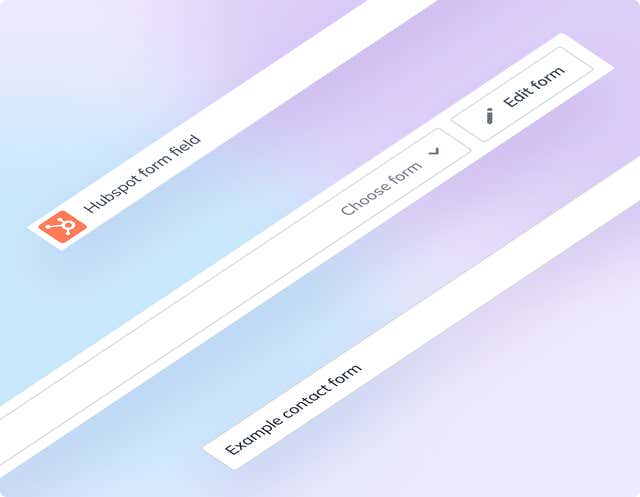
Swapping a form on a landing page shouldn't need a developer. The HubSpot app shows your HubSpot forms in a select box inside the page editor, so the person running the campaign makes the change.
What you can do
- HubSpot Form field: a custom field you add to a component model.
- Pick from your own forms: the select box is filled from the forms in your HubSpot account.
- Place it anywhere: add the component to any page like any other.
- Leads stay in HubSpot: forms integrate with your HubSpot contacts, so you can keep track of leads and turn them into customers.
- Dynamic embed: your front end reads the field data and embeds the chosen form.
Who it's for
Marketing teams that already capture leads in HubSpot and want to control form placement themselves. Developers build the embed once and then stay out of the way.
Setup needs a HubSpot private app access token with the forms scope. The docs have the steps and sample embed code.
Get started
- Create a HubSpot private app In HubSpot, create a private app and grant it the forms scope under Standard scopes.
- Copy the access token Once the private app exists, use View access token to copy your token.
- Install the app Open Settings → Apps in Agility, install Hubspot and enter the access token.
- Add the field Add the HubSpot custom field to a component model, then add that component to a page and pick a form.
- Embed it on your site Use the field data to embed the form dynamically. The docs include sample code.
Setting it up
Screenshots
Form Selection