


Formstack
Pick a Formstack form from a list in the Agility editor and place it on any page. Editors choose the form, jump to Formstack to change it, and your developers embed it once.
- Forms
Forms your editors can place themselves
A contact form shouldn't be a developer task every time it moves or changes. The Formstack app lists the forms in your Formstack account inside the page editor, so editors choose and place them directly.
What you can do
- Formstack Form field: a custom field, best added to a component model so editors can place the form on any page.
- Pick from your forms: a dropdown lists the forms you created in Formstack.
- Edit in Formstack: a link takes editors to Formstack to change the form itself.
- Your own front end: forms embed via a script, and the docs show one way to do it in Next.js. For full control, you can render forms yourself from Formstack's REST API.
Who it's for
Teams who build forms in Formstack and want content editors to put them on pages without developer help. Developers who want either a quick embed or a custom render.
You need a Formstack API access token. The docs cover setup, embedding and styling.
Get started
- Create your form Build and publish your form in Formstack.
- Create API credentials In Formstack's API page, create a new application and copy the credentials.
- Install the app Open Settings → Apps in Agility, install Formstack and enter your credentials in the connect step.
- Add the field Add the Formstack Form field to a component model.
- Place a form Add the component to a page, choose a form from the list, and publish.
Setting it up
Screenshots
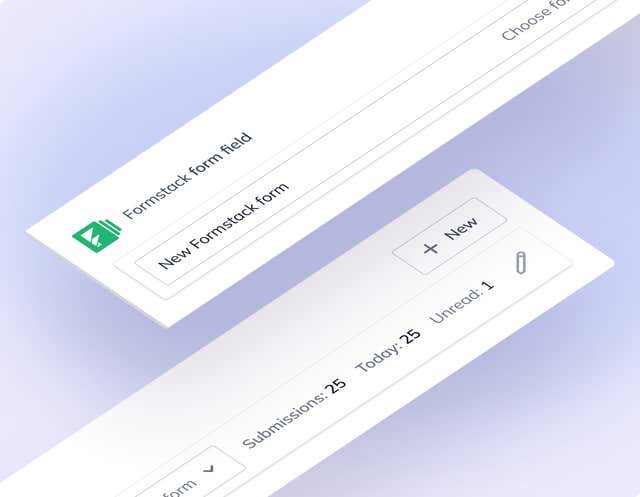
Form Selection