

Agility Apps Get Their Own Screens: Sections, Stack Items and Reports
App SDK 2.5.0 lets an app add its own section, screens and reports to the Content Manager.

Joel Varty
CTO
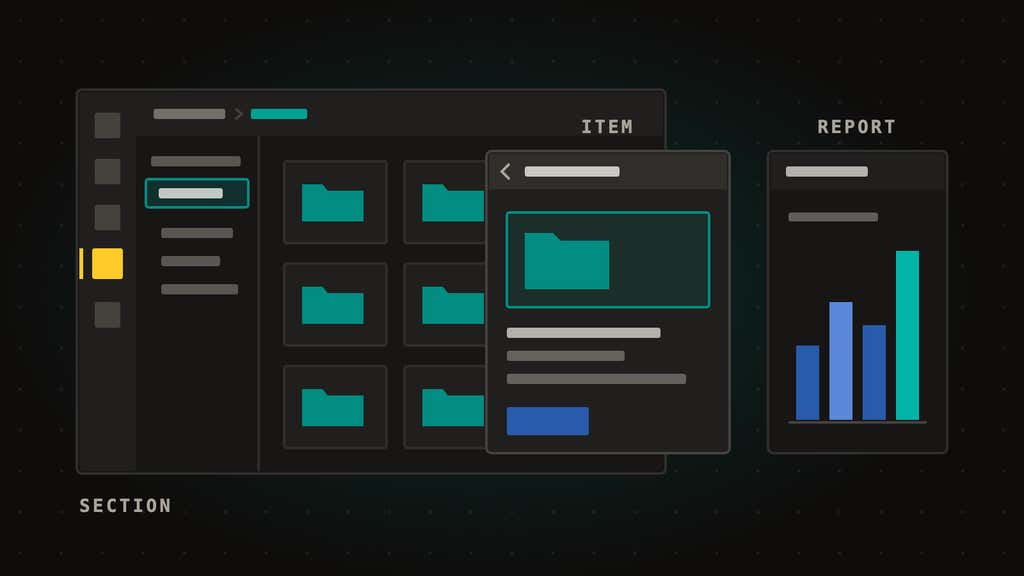
Starting today, apps built with the Agility App SDK can have screens of their own. With App SDK 2.5.0, an app can add a section to the Content Manager's main navigation, open its own screens on the item stack with real URLs and breadcrumbs, and list reports in the Reports section. It's for developers and partners building Agility apps, private to one organization or listed in the marketplace, and it's on npm now.
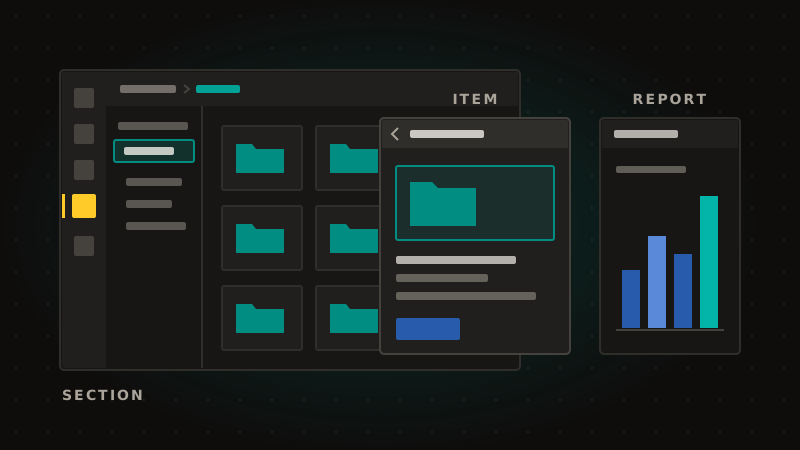
Apps can do more than fill the margins
Until now, an app could add a custom field, a sidebar, a dashboard, a dialog or a rich text toolbar button. Each of those is a small space inside a screen the Content Manager owns. That suits a color picker, but a file library, a review queue or an approval board needs room of its own, and an address an editor can bookmark and share. Teams building those apps sent their editors to a separate site. From 2.5.0, those screens sit inside the Content Manager, under the same header, breadcrumb and back button as everything else.
What's new in App SDK 2.5.0
- Sections. An app gets its own entry in the main navigation and a full-pane screen. It can add a resizable navigation panel on the left, like the trees in Content and Assets. Who sees the entry follows the permissions the app declares.
- Stack items. An app opens its screens on the item stack, on top of its own section or on top of a content item, a list, a page or a report. Each has its own URL and breadcrumb, so an editor can link straight to one folder or one record.
- Reports. An app lists its reports in the Reports section, under a group it chooses, each with a full-pane screen.
- The user context. Every app surface now knows who's signed in and what they can do in the instance, so an app can show each editor the controls that fit their role.
- Link buttons. A rich text toolbar button from an app can insert an ordinary link instead of an embed, and the editor's selected text becomes the link text.
How it works
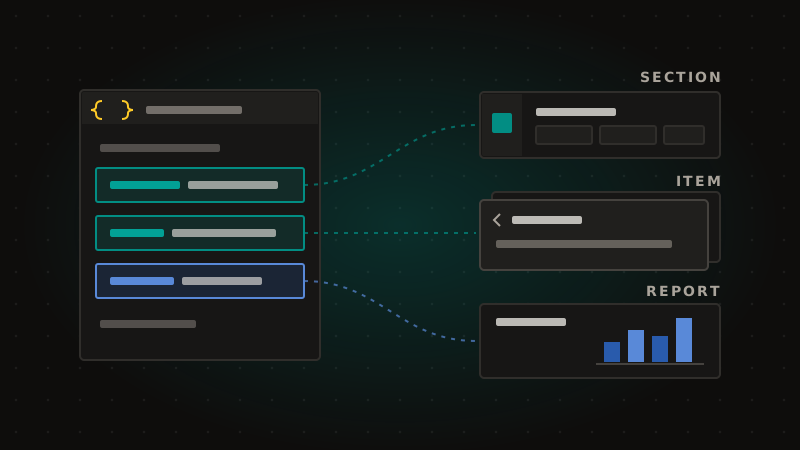
- Declare it in the manifest. Add
sections,itemsorreportsto your app's/.well-known/agility-app.json, each with a name, a label and, if you want, the permissions a user needs to see it. - Build the pages. Each surface is a page in your app, at
/sections/{name},/items/{name}or/reports/{name}. TheuseAgilityAppSDK()hook hands it the context: which section, item or report is open, what an item opened on top of, and who the user is. - Navigate by intent. Call
navigate()with anappSection,appItemorappReporttarget, and the Content Manager builds the URL, the stack and the breadcrumb for you.
When an admin installs the app, the Content Manager reads the manifest and adds each surface. There's no feature flag to turn on.
What you need
@agility/app-sdk2.5.0 or later:npm install @agility/app-sdk@^2.5.0.- An app installed in your instance. Private apps and marketplace apps get the same surfaces.
Apps built on 2.4 keep working unchanged, so upgrade when you want one of the new surfaces.
Learn more
- Apps SDK guide, with a section for each surface and the manifest keys
- App SDK surfaces reference on GitHub
- @agility/app-sdk on npm
- The changelog entry
- Where the SDK started: Agility CMS releases new Apps SDK
Frequently asked questions
Do my existing apps need to change?
No. Every app built on 2.4 runs unchanged on 2.5.0. Upgrade when you want a section, stack items, reports or the user context.
Who sees an app's section?
Anyone with one of the permissions the section declares, and anyone with Full Control. A section that declares no permissions shows for everyone who can read the instance.
Can a private app use these?
Yes. A private app built for one organization gets the same sections, stack items and reports as a marketplace app.
Should my app trust the user context to allow an action?
Use it to decide what to show. Your app's server should check every request with its own Management API token, because anything sent to the browser can be changed there.


