


Typeform
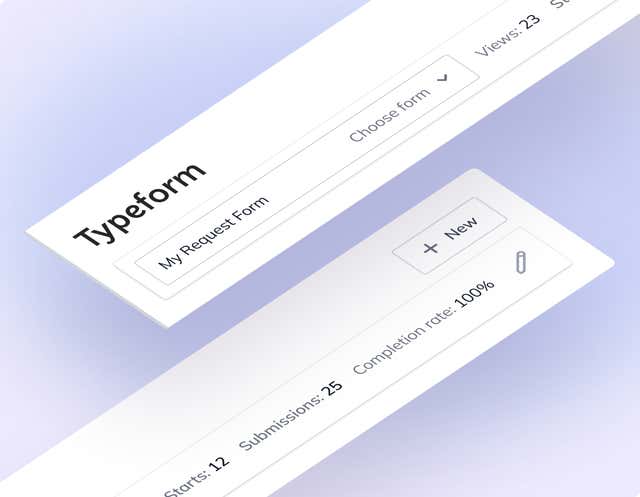
Choose a Typeform form from your workspaces and place it on a page. Marketers pick the form, developers embed it once, and surveys and lead forms stop waiting on a code change.
- Forms
Add a Typeform form without opening a ticket
Typeform makes forms people actually finish. The awkward part is getting one onto a page. This app lets editors choose the form from inside Agility and leave the embed to your front end.
What you can do
- Typeform Form field: a custom field you add to a component model.
- Pick a workspace, then a form: the field lists the workspaces in your Typeform account, then the forms inside the one you choose.
- Place it on any page: add the component to a page like any other.
- Dynamic embed: your front end reads the field data and embeds the form.
Who it's for
Marketing teams who use Typeform for research, feedback and lead generation and want to control where forms appear. Developers write the embed once. It's built for placing forms, not analyzing responses; that stays in Typeform, where your forms already live.
Setup needs a Typeform personal access token. The docs have the steps and sample code.
Get started
- Generate a Typeform token In Typeform, open Account Settings → Personal Tokens, generate a token and copy it. You can't view it again.
- Install the app Open Settings → Apps in Agility, install Typeform and enter the access token.
- Add the field Add the Typeform custom field to a component model.
- Choose a form Add the component to a page, select a workspace, then select your form.
- Embed it on your site Use the field data to embed the form in your front end. The docs include sample code.
Setting it up
Screenshots
Typeform