

New in Agility: SharePoint Assets
Private SharePoint files for intranets and members sections, without copying them into Agility.

Joel Varty
CTO
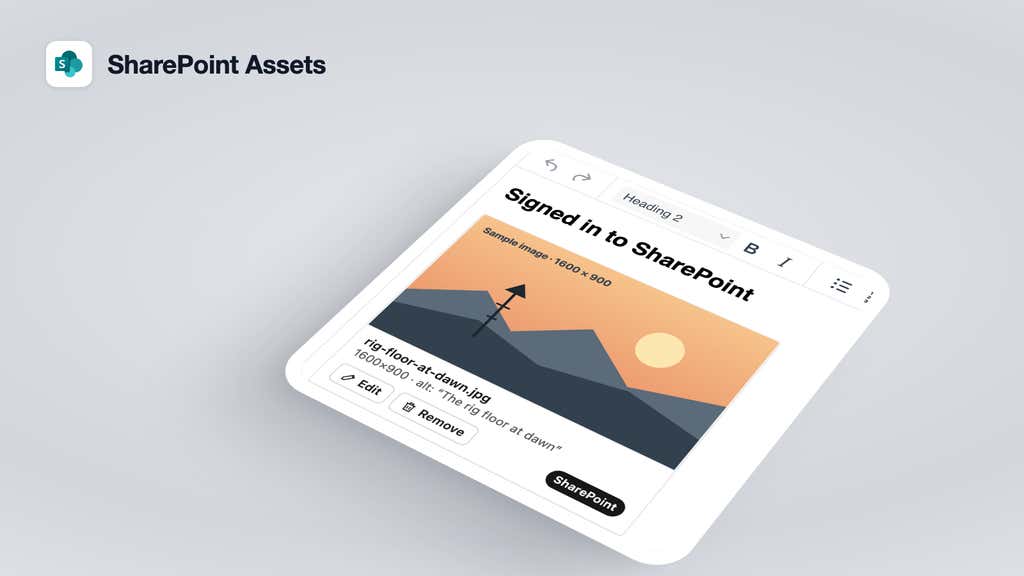
We've released SharePoint Assets, a new app in the Agility marketplace. It lets editors add images, videos and documents from SharePoint to their content and rich text, without copying the files into Agility. You can install it from Settings > Apps.
When to use it
Files you upload to Agility's media library are public. We serve them from our CDN, and anyone with the URL can open them. For most of a website, that's what you want.
An intranet, or a members section where people sign in, is different. It often links to files that only the right people should see, and those files are usually already in SharePoint. SharePoint Assets is for that.
Until now, the workaround was to download the file and upload it to the media library. That left two copies. The one on your site went out of date when someone edited the original, and it was public even though the original wasn't. With SharePoint Assets, the file stays in SharePoint and Agility stores a reference to it. Update the file in SharePoint and your site shows the new version.
What's in the app
- Three fields: SharePoint Image (with alt text), SharePoint Video and SharePoint File.
- A SharePoint group in the rich text toolbar for linking a file, or inserting an image, video or file card.
- A picker that searches every SharePoint site you have access to, and lets you browse by site, library and folder.
Who sees what
Editors sign in with their own Microsoft account and only see files they can already open in SharePoint. Your website works the same way. It gets each file using the visitor's Microsoft sign-in, so people only see files they have permission to open.
Visitors need to sign in with Microsoft, so it isn't meant for public pages. For those, the media library is still the right place.
Setting it up
A Microsoft admin approves the app once for your organization, at sharepoint-assets.agilitycms.com/setup. The app is read-only, it only acts as the signed-in editor, and it doesn't store any secrets. Microsoft lists Agility Inc as the verified publisher.
On the website side, your developers add a route that fetches files with the visitor's token, and a renderer for the SharePoint elements in rich text. Agility stores SharePoint IDs rather than URLs, because SharePoint download links expire after an hour and the URLs include your internal site and folder names. The docs have the details and a Next.js example.
Current limitations
- You can't upload to SharePoint from Agility.
- Your site always shows the latest version of a file.
- Some video formats, such as .avi and .wmv, don't play in browsers.
- You can't restrict a field to a single site or folder yet.
If your files aren't in SharePoint, have a look at our Secure Files apps for Azure and AWS instead.
Learn more
If you're planning an intranet and want to talk it through, get in touch.


