

Run your content from the AI tools you already use
Connect Claude, ChatGPT or Microsoft 365 Copilot to Agility and ask for content work in plain language. Find it, draft it, translate it and fix it in bulk, and every change lands in Staging for you to review.
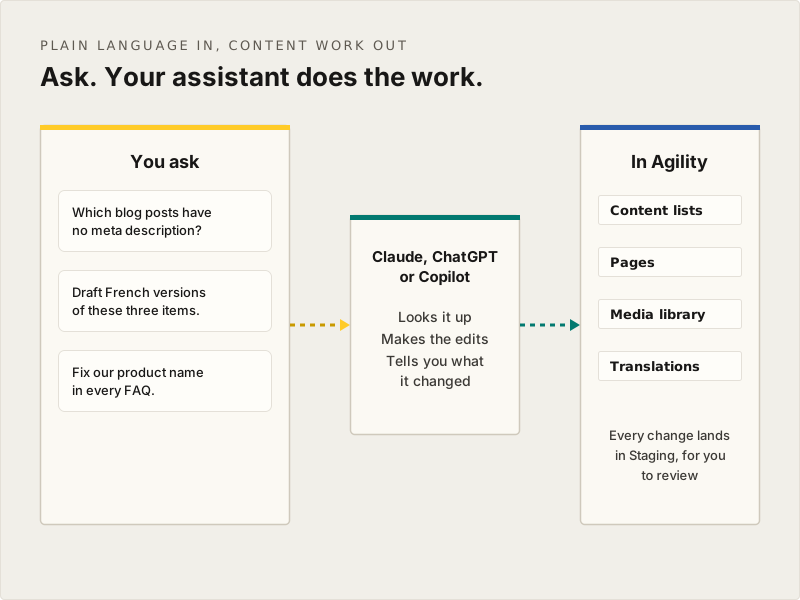
Ask in plain language. Agility does the work.
"Which blog posts have no meta description?" "Draft French versions of these three items." "Fix our product name in every FAQ." Your assistant does the lookups and the edits in Agility for you, across your content lists, pages and media library.
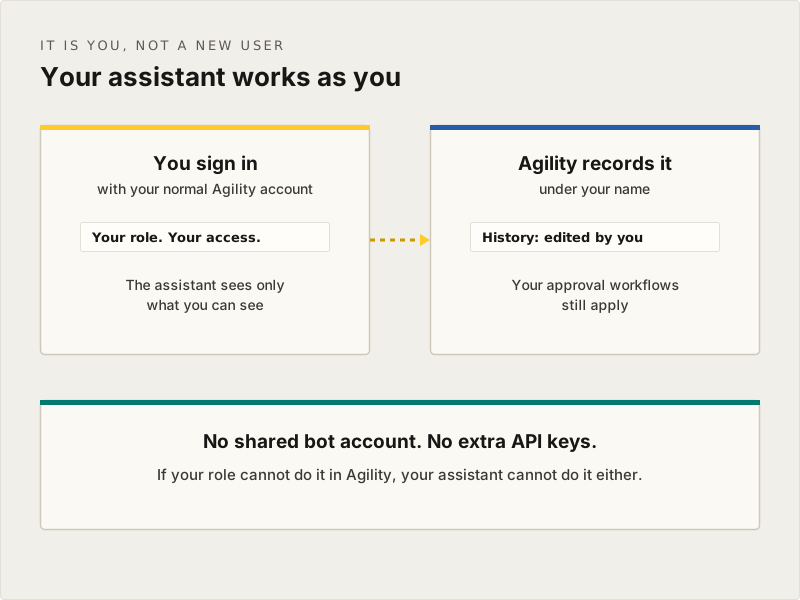
It's you, with your permissions
Your assistant signs in as you. It only sees the content you can see and only does what your role allows. Every change shows up in Agility's history under your name, and your approval workflows still apply.
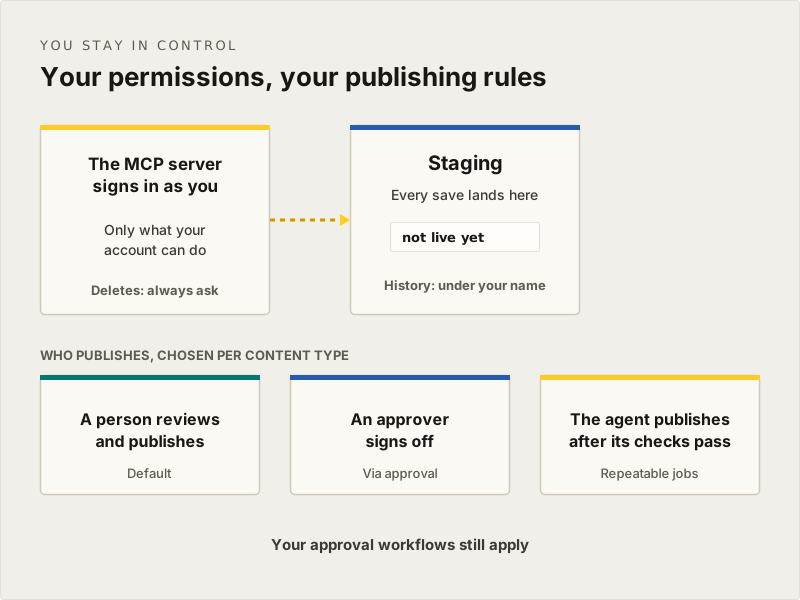
Nothing goes live until you say so
Changes save to Staging by default. Preview them and publish yourself, send them for approval, or, for repeatable jobs like filling empty SEO fields, let the assistant publish once its checks pass. You decide how much it does.
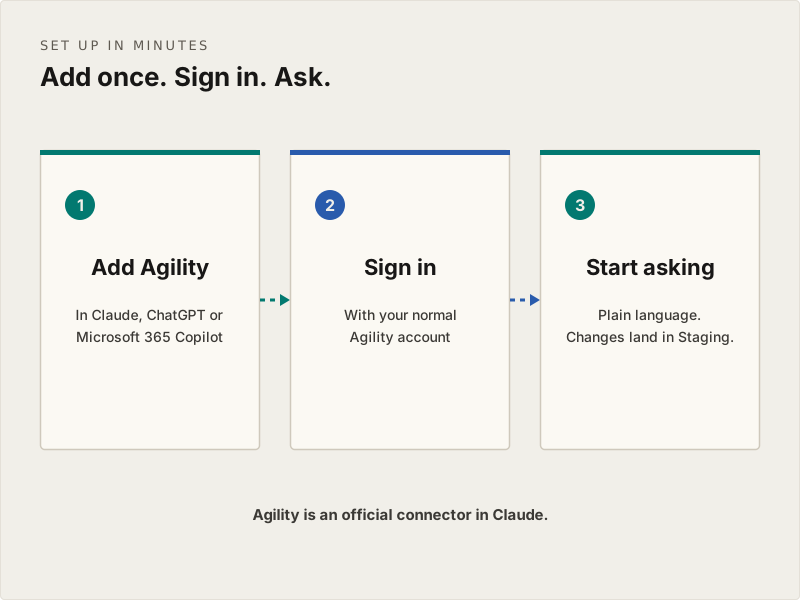
Set up in minutes. No API keys.
Agility is an official connector in Claude, and ChatGPT and Microsoft 365 Copilot connect too. Add Agility once, sign in with your normal account, and start asking.
Questions marketers ask about AI in Agility
Do I need to be technical to use AI with Agility?
No. You add Agility to your assistant once, sign in with your normal Agility account, and ask for what you need in plain language. No API keys, nothing to install.
Which AI assistants work with Agility?
Claude (desktop and web), ChatGPT and Microsoft 365 Copilot, plus any tool that supports MCP, including Gemini, Cursor and GitHub Copilot.
Can I publish content from ChatGPT or Claude?
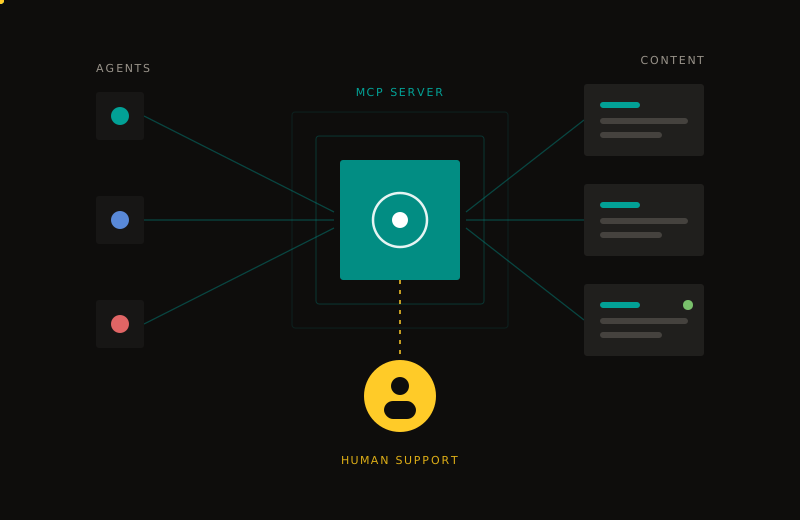
Yes. Our MCP server lets your AI tools create, update, and publish content directly, while your roles and approval steps stay in place.
Can the assistant publish without me?
Only if you want it to and your role allows it. By default, every change saves to Staging for you to review, and your approval workflows still apply. Assistants that support it ask before unpublishing or deleting anything.
What can the assistant change?
The same things you can: content items, pages and media. It can't change your content models or settings unless your role allows it.
Do you use AI on my data?
We don't use your content to train AI models. AI features run through our MCP server with your own tools, or through opt-in integrations such as DeepL translation.
Want to see it on your own content?
We'll walk you through it live, using the kind of content your team actually works with.