


Zapier
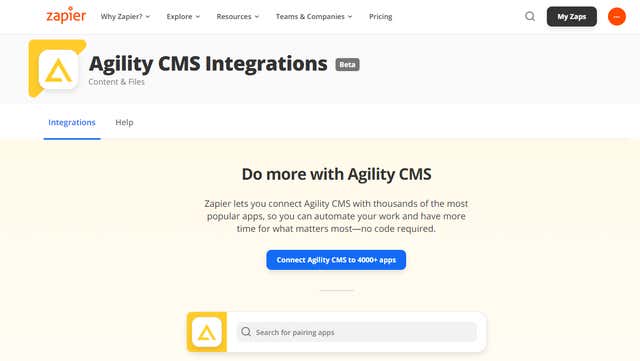
Connect Agility to thousands of other apps with Zapier. When something happens in one, Zapier tells the other what to do, with no code in between.
- Translation
- Marketing Automation
Integration Overview
Agility CMS already has a modern-webhook system that integrates exceptionally well with Zapier’s back-end system (and here).
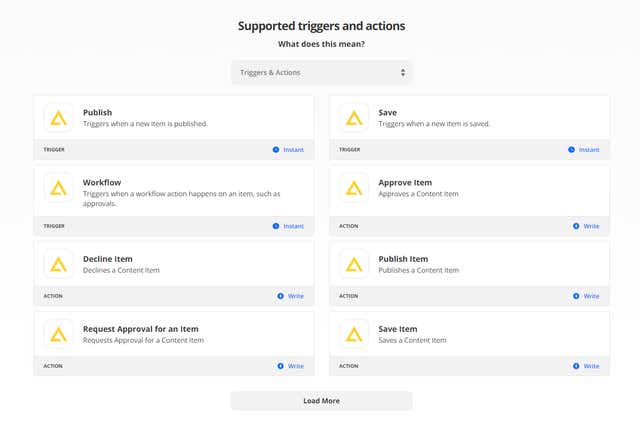
Because of this, all of the changes made on Agility CMS are available nearly instantaneously* via Zapier’s ability to integrate with subscriber RestHook systems. It’s essential for ensuring that all the various channels receive the new content the moment they become published.
What is Zapier?
Zapier is a web service that automates data flow between over 500 web apps, including MailChimp, Salesforce, GitHub, and Trello.
Imagine building an application that triggers when a user fills out your Typeform form, then automatically creates an event on your Google Calendar, sends a Slack notification, and finishes up by adding a row to a Google Sheets spreadsheet.
Writing all those functionalities from scratch is overkill and can be time-consuming. In such cases, Zapier comes in extremely handy.
Why do you need this integration?
Zapier: The integration helper
For engineers tasked with writing manual integrations or reverse engineer some task, Zapier cuts down most of the work you need to do.Streamline your flow of content
In terms of Content Management, this can be incredibly useful for managing the flow of content across various channels, including other CMS systems. For example, Agility CMS already has a modern-webhook system that integrates exceptionally well with Zapier’s back-end system (and here). Because of this, all of the changes made on Agility CMS are available nearly instantaneously* via Zapier’s ability to integrate with subscriber RestHook systems. It’s essential for ensuring that all the various channels receive the new content the moment they become published.Flexibility
Agility lets you integrate your content into almost any website and application due to the flexibility it has in regards to how you do so (REST endpoints, Webhooks), and now with Zapier Integration, it can integrate with so much more!
Steps for Implementation
- 1
Sign up for Agility CMS
You must have an Agility Instance set up with a website you can deploy - 2
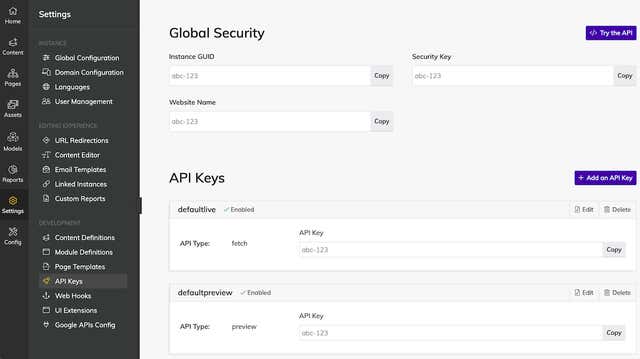
Locate API Keys
When you create an Agility CMS Zap, you’ll need to enter your Agility CMS API key along with some other required fields. To locate your API Key in your Agility CMS account, please follow these steps: 1. Log into the Agility Content Manager. 2. Click on “Settings” on the left-hand Navigation 3. Choose “API Keys” 4. Click the “Copy” button beside each of the authorization values and paste it into the appropriate field. - 3
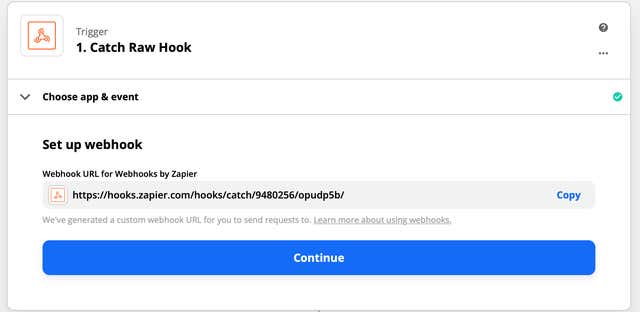
Add Agility API Key to Zapier
Paste your key back into your Zapier account and then “Continue.” If all steps were successful, your Agility CMS account will now be successfully connected.
Documentation
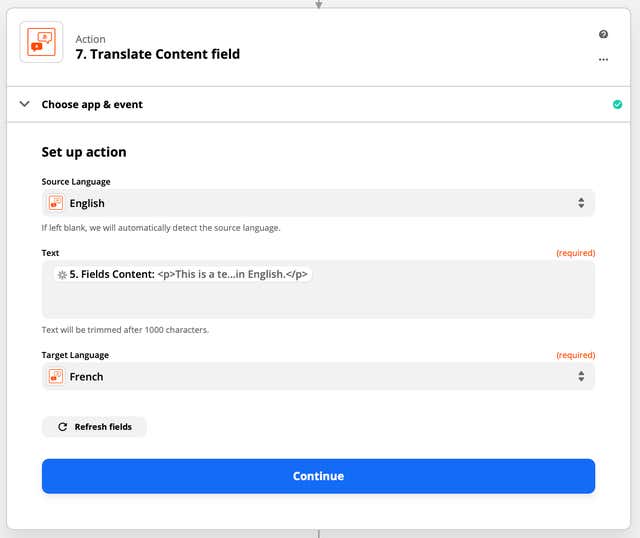
Learn how to Use Zapier for Translating Content in Agility CMS
zpier-and-agility-3
zpier-and-agility-2
get-api-keys
webook-zapier
screen_shot_2021-02-08_at_3.48.00_pm-09242021142349
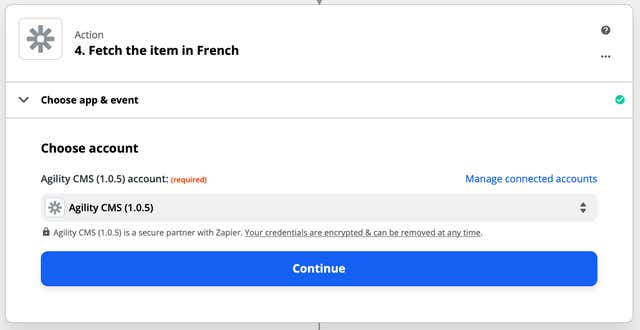
image-09242021142110