
Headless CMS for AEO: What's Real and What's Noise
A Google-grounded guide to AEO and GEO in a headless CMS, without the cargo cult.

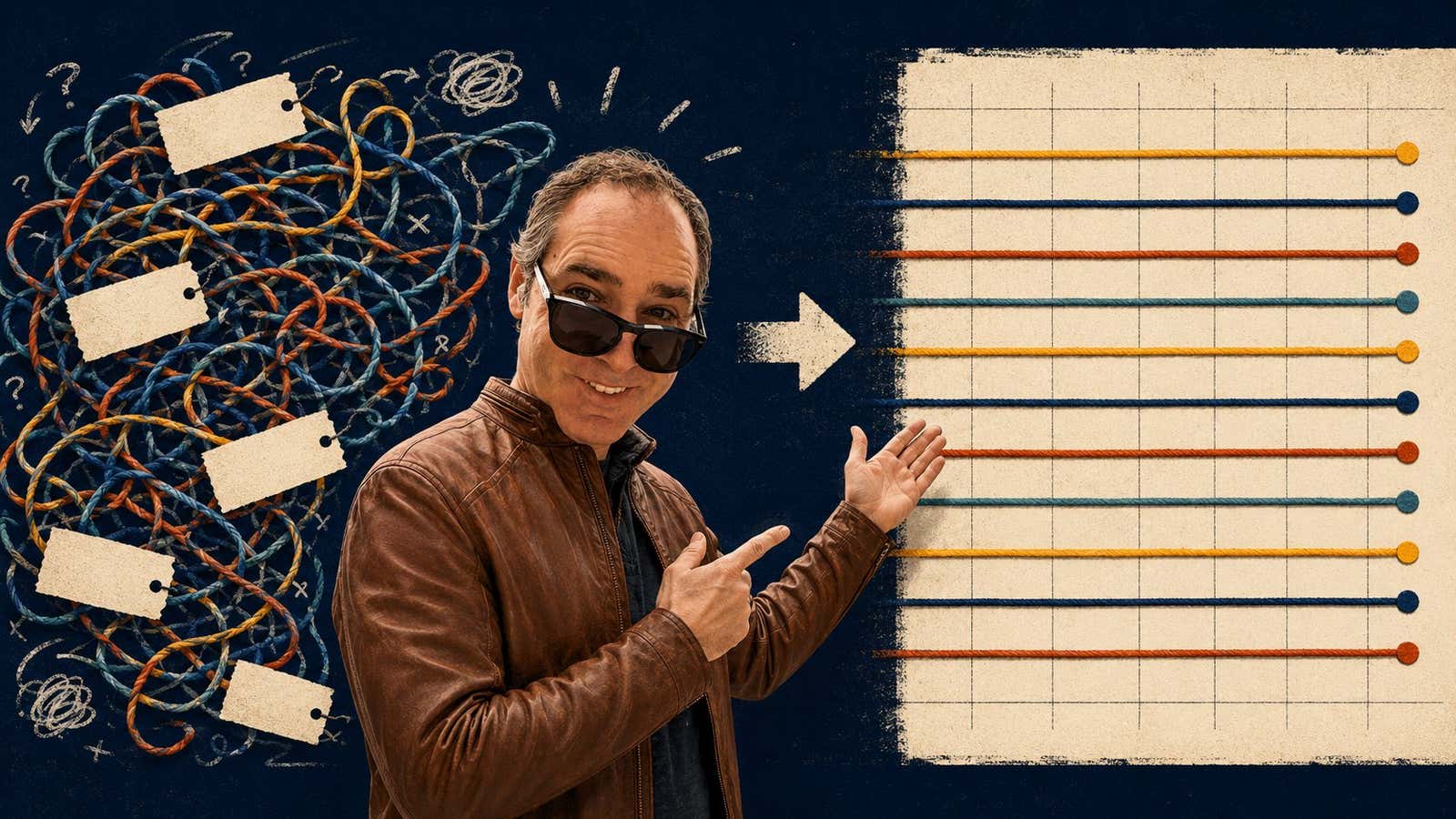
If you want AI search to cite your content, you do not need a new acronym (please can we stop with the acronyms, internet?). You need: (1) a content model that maps onto how AI systems and their bots already read the web; (2) a publishing layer that renders real HTML; (3) the discipline to write things worth citing in the first place. A headless CMS makes the first two easy. The third is on you.
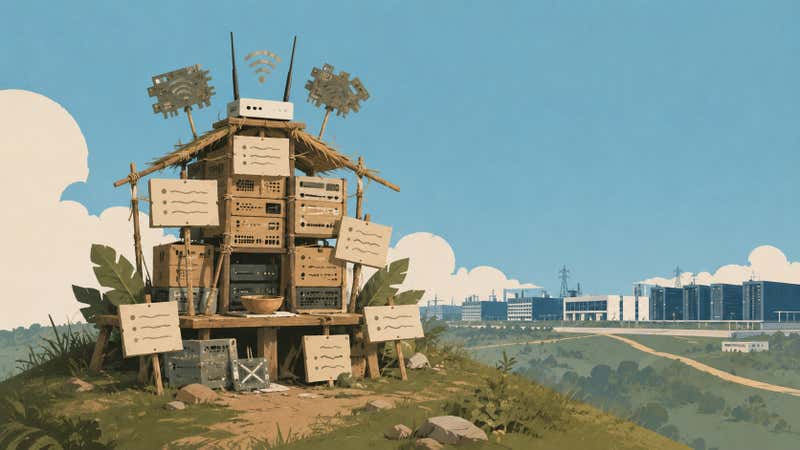
Most of the AEO and GEO advice circulating right now is noise and, quite frankly, clickbait. Google's own guide to optimizing for generative AI features on Search is the plainest rebuttal to it I have read. This is what is real (at least from their perspective, which is still quite authoritative IMO), lined up against what teams actually need from their CMS, for anyone running a headless platform like Agility CMS who wants to skip the "cargo cult" - meaning the rituals people perform because they look like what brings results (cargo), even when nobody can explain why.
What AEO and GEO Actually Are, According to Google
AEO stands for answer engine optimization. GEO stands for generative engine optimization. From Google's perspective, both are the same thing as SEO. Their AI Overviews and AI Mode run on top of the same Search ranking and quality systems that have always been there. Google says it plainly: optimizing for generative AI search is optimizing for the search experience, and it is still SEO.
Part of me wants to take all of this at face value, but I think it's important to note that Google's SEO stuff is HIGHLY productized and monetized. We follow their instructions because they set a lot of the rules, and I don't love that, but it's somewhat inevitable.
All this not to say that nothing has changed - quite the opposite. Two mechanisms matter more now. Retrieval-augmented generation (when AI does a search on your behalf) grounds AI answers in indexed pages instead of training data. Query fan-out is when one user question becomes several related queries behind the scenes, each fetching different sources. Both reward pages that are cleanly indexed, clearly written, and clearly attributable. Neither rewards keyword stuffing, content chunking, or special AI-only files.
So the strategic question for any team picking or running a CMS is not "does it do AEO?" The better question is "does it make the foundations easier or harder?"
The Structural Case for Headless
Most AEO advice falls apart the moment you put it next to a real content model. The reason headless wins here is not magic, rather it is structural.
A monolithic CMS stores a page as one blob of HTML. Title, author, date, body, FAQ, product spec, related links, all glued into a template nobody can disentangle. When an AI system reads that page, it has to guess which part is the answer and which part is chrome.
A headless CMS stores those things as fields. Title is its own field. Author is a relationship to a real person record. Publish date is a date type. FAQ entries are a list of question and answer pairs. The body is HTML, but everything around it is data. When you render the page, you can output proper semantic HTML and proper JSON-LD schema in one pass, generated from the same fields, with no drift between visible content and structured data.

That distinction is a big thing. I will note, however, that even the tangle of text in monolithic, traditional systems can be read by AI, it just won't be as valuable long-term. That's where the idea of "drift" comes from.
What's Probably Hype, According to Google
Before the things to do, here is the part of Google's guide that should save your team some weekends. Treat these as caution flags rather than absolute prohibitions. Some have legitimate adjacent uses, which I get into below.
- Be skeptical of llms.txt as a ranking play. Google explicitly says it does not use llms.txt files, and no other major AI search engine has confirmed treating them as a ranking signal either. There is a real developer-tools use case I cover in the next section, so the file is not useless, just potentially oversold for AEO/GEO.
- Do not chunk content for AI. Google's systems read the whole page, and so do most others. Pages can be short or long depending on the topic. There is no ideal length, and breaking content into tiny fragments for AI alone usually hurts the reader.
- Do not rewrite content just for AI. AI systems already understand synonyms and meaning. Capturing every variation of a query in a separate paragraph also runs into Google's scaled content abuse policy.
- Be realistic about what structured data does. Schema helps with rich results, disambiguation, and consistent attribution. It is not a shortcut to AI visibility, and Google explicitly says it is not required for generative search. Still worth doing well, just not worth obsessing over as a ranking lever.
- Do not chase inauthentic mentions. Spam systems are getting better at recognizing manufactured signals across the web, and AI features rely on the same quality signals as the rest of Search.
None of this means structured content does not matter. It means structured content is a foundation, not a hack. Build it once, render it cleanly, and stop hunting for the next AI loophole.
Where Google's Advice Doesn't Apply to Other Bots
Google is the loudest voice on AEO, but it is not the only one, and on some things it is the strictest. ChatGPT, Claude, Perplexity, and Gemini each run their own crawlers, with their own user agents, their own access rules, and their own opinions about files like llms.txt. If you are publishing for AI citation, optimize for Google's foundations and then layer crawler-level choices on top.
The biggest practical divergence is crawler segmentation. Each major AI company now ships multiple bots with separate jobs and separate robots.txt user-agent strings.
- OpenAI: GPTBot (training), OAI-SearchBot (ChatGPT search index), and ChatGPT-User (live user-initiated fetches). Per OpenAI's own docs, these settings are independent. Allow OAI-SearchBot to appear in ChatGPT search; block GPTBot if you do not want training reuse.
- Anthropic: ClaudeBot (training), Claude-SearchBot (search index), and Claude-User (live fetches). Anthropic's February 2026 documentation update spells out each one, and all three honor robots.txt.
- Perplexity: PerplexityBot (index) and Perplexity-User (live). Their behavior has been the most contested of the bunch, with Cloudflare documenting stealth crawl activity in 2025, so robots.txt-only blocking may not always do what you expect.
- Google: Googlebot for traditional indexing, Google-Extended as a separate token for Gemini training.
The actionable lesson: a single Disallow line is no longer a coherent AI policy. Audit your robots.txt against the current user-agent list and decide, per bot, whether you want training, search, or both. Then re-audit. The bot list moves.
The llms.txt question deserves its own section for this topic. Google explicitly does not use it. Perplexity publishes its own llms.txt at docs.perplexity.ai but has not officially confirmed that PerplexityBot privileges third-party llms.txt during crawls. Anthropic and OpenAI have not endorsed it as a ranking signal either. BrightEdge tracked crawler request patterns in early 2026 and found that most AI agents do not actually request llms.txt during normal crawls. The strongest current use case is documentation sites consumed by IDE agents like Cursor and Cline, not AI search citation. If you ship one, ship it because your docs are getting consumed by developer tools, not because you expect a ranking lift, and revisit if the major engines change their stance.
Anecdotaly, I've heard many folks state that as soon as they published their llms.txt file, it got picked up and crawled thousands of times. What does that actually mean... I can't really say. I think it's implied that it's useful, but who actually knows?
Let's move onto things we actually CAN do to move the needle on AEO.
Seven Things to Actually Do in a Headless CMS
Each item is something the architecture of your CMS either supports or fights. Headless platforms like Agility CMS make most of them straightforward, but you still have to do the work.
1. Model content as atomic fields
One piece of information per field. Title is one field. Subtitle is its own field. Author is a linked content reference, not a string typed at the top of the body. Each FAQ item has its own question field and answer field. Categories and tags are linked content.
This pays off three ways at once. Editors get clean forms. The front-end gets clean data. The JSON-LD generator gets clean inputs. The same Title field feeds the <h1>, the <title> tag, the Open Graph title, the Article schema headline, and the listing page card. One source, five outputs, zero drift.

2. Render real HTML on the server
Crawlers can execute JavaScript, but Google itself warns that JavaScript-heavy sites are more complex to get right for SEO. The safer bet is server-side rendering or static generation, so the HTML a crawler sees on the first request already contains the main content, the headings, the meta tags, and the JSON-LD. A headless CMS does not care which front-end you use: Next.js, ASP.Net, Astro, Nuxt, plain Node, all serve fully rendered HTML when configured for it. Verify with curl and Google's Rich Results test that the output contains what you expect.
3. Output JSON-LD from your content model
JSON-LD is the format Google recommends, and it is the easiest to generate programmatically. The trick is to generate it from the same content model that powers the page, not by hand-coding it into a template.
For a blog post, that means a renderer that reads the post's fields and emits Article schema in one pass. Title becomes headline. Author becomes a linked Person entity. Publish date becomes datePublished. If the post has an FAQ component, it emits FAQPage schema with questions and answers that match the visible content exactly. When the schema is generated from the data, it stays in sync. When an editor updates the post, the schema updates with it.
4. Build the E-E-A-T triad as linked content
E-E-A-T is Google's framework for evaluating content: Experience, Expertise, Authoritativeness, and Trustworthiness. AI systems lean on the same signals when deciding what to cite. The fastest way to give them what they need is to model three entities and connect them.

- Organization as a single shared item with logo, sameAs links to LinkedIn and X, and a stable URL.
- Person for each author with bio, photo, sameAs to LinkedIn and personal site, and a stable URL.
- Article for each post linking back to Person as
authorand Organization aspublisher.
In Agility CMS this is two containers and a relationship: a blog authors list and a single shared organization item, both referenced from each blog post. Render all three as JSON-LD on every post, connect them with @id, and AI systems can resolve the citation back to a named person at a named company. That is the difference between being quoted as "one source" and being quoted by name.
5. Write standalone answer paragraphs
This is the part the CMS cannot do for you. AI systems extract answers at the paragraph level. They lift a paragraph, attribute it, and move on. If your paragraph starts with "as we saw above" or "building on this," it cannot be lifted cleanly. So it does not get lifted.
The fix is something a real editor would probably catch (hint: human editors are valuable!). Write each paragraph so it can be quoted on its own. Define key terms once, in a clean sentence that reads like an answer. Put the central claim of a section in its first paragraph, not at the bottom (don't bury the lede!). None of this is "writing for AI," folks! It's just clear writing. The same paragraphs that get cited by Perplexity also get read by humans who scan instead of reading in full.
6. Cover question-style queries with real answers
Query fan-out means a single user question becomes several related queries behind the scenes. If your content directly answers question-style queries, you have more entry points into AI-generated responses.
The practical move is to give your blog post model an FAQ component, render it in the body, and emit a matching "FAQPage" schema. Keep each answer two to four sentences, self-contained, aligned with how a real person would phrase the question. Do not stuff in keyword variants. Google has reduced FAQ rich snippets in traditional results, but the schema is still useful for AI extraction when the questions match real intent.
7. Treat schema as living infrastructure
A schema silently breaks - maybe a required field wasn't defined, or a data type didn't make sense. Maybe a new content type ships without a renderer. An author record gets deleted and the Person reference goes stale. None of this throws an error. The page just stops emitting valid JSON-LD, and you stop getting cited cleanly.
The fix is governance. Pick one person who owns the structured data layer. Validate schema on staging before publish. Run Google's Rich Results Test against a sample of pages every release. Add structured data checks to the same QA process you use for accessibility and performance.
What This Looks Like in an Agility Project
Concretely, in an Agility CMS instance, the pattern is:
- One shared Organization content item with name, URL, logo, and sameAs links.
- A Blog Authors container with one item per author, including bio, photo, and sameAs.
- A Blog Post model with atomic fields for title, subtitle, excerpt, body, publish date, author reference, categories, tags, and an optional FAQ list.
- A front-end renderer (Next.js, ASP.Net, whatever) pulling content through the Fetch API and emitting server-rendered HTML plus JSON-LD for Article, FAQ Page, Person, and Organization on every post.
- A staging environment running the same renderer, so editors can preview both the visible page and the structured data before publishing.
That is the whole stack. No separate AEO tool, no special markup file, no per-post schema editing. The content model and the renderer do the work, and editors never have to think about JSON-LD. For the bigger picture of how this fits into shipping content, I wrote about the content supply chain: the CMS is one node, the rendering layer is another, and AI agents can read and write through both via MCP. AEO is not a separate workflow. It is what a well-modeled, well-rendered headless stack already produces.
The One Thing That Beats Everything Else
Google buries this in the middle of their guide, but it is a line that matters more than most: the biggest factor in long-term AI visibility is whether your content is unique, valuable, and non-commodity. Their example is sharp: "7 Tips for First-Time Homebuyers" is common knowledge anyone could generate, while "Why We Waived the Inspection and Saved Money" is first-hand experience nobody else has. The first kind is already being generated at scale by AI itself. The second kind is what AI cites from.
This is the part headless cannot help you with. A great content model around a generic blog post does not make the blog post matter. The structural work above is necessary. It is not sufficient. The CMS does the plumbing so your team can spend their attention on the things only your team can write: real experience, real opinion, real evidence. Optimization serves communication. Build the stack right, optimize less anxiously, and go back to writing things worth citing.
Frequently Asked Questions
What is the difference between AEO, GEO, and SEO?
AEO stands for answer engine optimization. GEO stands for generative engine optimization. Both describe optimizing content for AI-driven search experiences like ChatGPT, Perplexity, and Google's AI Overviews. Google's position is that from a Search perspective, AEO and GEO are still SEO. The same ranking and quality systems power both traditional results and AI features.
Does a headless CMS actually help with AI search?
Yes, structurally. A headless CMS stores content as discrete fields rather than monolithic HTML, which makes it straightforward to generate clean semantic HTML and JSON-LD schema from the same source. AI systems read both. A traditional CMS that mixes content and presentation in one template makes the same outputs harder to maintain.
Do I need to create an llms.txt file?
Not as a ranking signal. Google explicitly says they do not use them. Perplexity, Anthropic, and OpenAI have not confirmed treating third-party llms.txt files as ranking signals either, and tracking data from BrightEdge suggests most AI crawlers do not actually request the file during normal crawls. The strongest legitimate use case is documentation sites consumed by IDE agents (Cursor, Cline, Aider) and developer doc platforms (Mintlify, GitBook). For AI search citation, invest in structured content and JSON-LD schema instead.
Should I use FAQ schema on every blog post?
Only when the post genuinely contains a Q and A section that helps the reader. Google has reduced FAQ rich snippets in traditional results, but the schema is still useful for AI extraction when the questions match real intent. Forced FAQ blocks added only for schema reasons risk being flagged as scaled content abuse.
What JSON-LD types should a blog post emit?
At minimum: Article or BlogPosting with headline, author, publisher, datePublished, dateModified, and image. Connect author to a Person entity and publisher to an Organization entity, both with their own JSON-LD blocks and stable @id references. Add FAQPage if the post has an FAQ section and BreadcrumbList for navigation context.
Is content chunking required for AI to read my pages?
No. Google's guide directly addresses this: their systems can understand multiple topics on a single page and surface relevant pieces. Breaking content into tiny fragments for AI is not necessary and can hurt the reader's experience. Write naturally and let the rendering layer handle semantic structure.
The hero illustration and the cargo-cult image were generated with ChatGPT. The three inline diagrams (monolithic vs. headless, one source/five outputs, and the E-E-A-T trust graph) were generated with Claude using the Claude Design pattern, then hand-tuned.
About the Author
Joel is CTO at Agility. His first job, though, is as a father to 2 amazing humans.
Joining Agility in 2005, he has over 20 years of experience in software development and product management. He embraced cloud technology as a groundbreaking concept over a decade ago, and he continues to help customers adopt new technology with hybrid frameworks and the Jamstack. He holds a degree from The University of Guelph in English and Computer Science. He's led Agility CMS to many awards and accolades during his tenure such as being named the Best Cloud CMS by CMS Critic, as a leader on G2.com for Headless CMS, and a leader in Customer Experience on Gartner Peer Insights.
As CTO, Joel oversees the Product team, as well as working closely with the Growth and Customer Success teams. When he's not kicking butt with Agility, Joel coaches high-school football and directs musical theatre.


