
Is AI Safe? We Built a Policy by Actually Using It.
You don't figure out AI safety in a boardroom. You figure it out by watching your team use it every day.

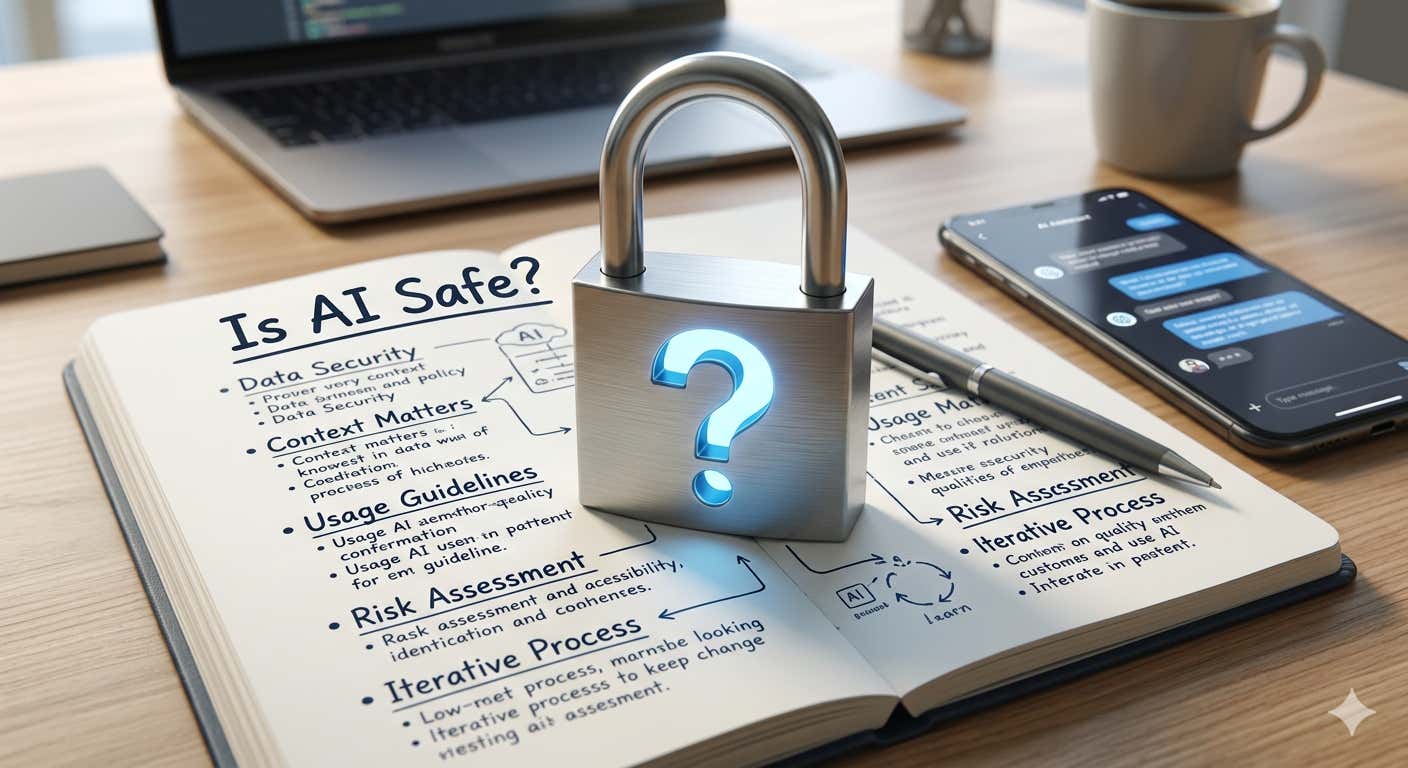
Everyone asks "is AI safe?" like it's a yes or no question, and it's really not that.
The real question is: safe for what? In what context? With what data? Under whose supervision?
We spent months building an internal AI acceptable use and data security policy at Agility CMS. Not because a compliance framework told us to. Because our team was already using AI every day (and if you think your team ISN'T, look harder), and we needed to catch up to reality.
We Didn't Start with a Policy, but rather a Conversation and an Observation.

Before I wrote a single rule, I watched and I had conversations. Our developers were using Claude Code to refactor entire modules. Marketing was drafting blog posts and social campaigns with ChatGPT. Customer success was researching technical solutions. Finance was asking Copilot to help them understand tax regulations.
Nobody was doing anything reckless, and folks were asking a TON of questions. But nobody had a clear answer for what they should and shouldn't be putting into these tools. That gap between "using AI" and "using AI with intention" is where risk lives.
So we iterated. We talked to each team. We asked: what are you actually using this for? What data are you putting in? What's working? What feels risky? The policy came from those conversations, not from a template.
The Hard Questions Come Before the Policy
This is something most companies get backwards. They wait until they have a policy to start thinking about how AI should be used. But the tools don't wait. They're already in your team's hands. By the time you draft version 1.0 of your acceptable use policy, people have been using AI for months. Maybe longer.
That means management practices need to evolve faster than the policy document. You can't sit in a boardroom and theorize about how AI will be used. You have to go ask. You have to observe. You have to be willing to have uncomfortable conversations about what's already happening.
What tools are people using on their own? What data are they putting in without thinking twice? Are they using personal accounts? Are they trusting AI output without reviewing it? These aren't hypothetical questions. They have answers right now, in your organization, whether you know those answers or not.
The traditional management approach says: define the policy, communicate it, enforce it. That's fine for stable technologies. AI isn't stable. It changes every quarter. New tools show up. Existing tools add capabilities that shift the risk profile overnight. If your management practice is "write the rules and enforce them," you're always governing the last version of the technology.
What we learned is that management around AI has to be more like product management. You're constantly in discovery mode. You're talking to your users (your team). You're understanding their workflows. You're identifying risks in real-time, not after the fact. The policy becomes the documentation of what you've already figured out through observation and conversation, not the starting point.
AI Plays Different Roles. Each One Needs Different Management.
One of the things I think most companies get wrong about AI safety is treating all AI usage as one thing. It's not. AI shows up in your organization in at least three different ways, and each one carries different risks and different value.
The first role is the intern. You give it a task that would take you two hours and it does it in two minutes. Research a topic. Summarize a document. Draft a first pass at something. Pull together a comparison. The intern is willing, fast, and doesn't complain about boring work. But you'd never send an intern's first draft to a client without reading it. Same rules apply here.
The second role is the assistant. This is AI helping you do your actual job better. A developer using Claude Code to debug and refactor. A marketer using AI to brainstorm campaign angles. A finance person asking Copilot to surface trends in a spreadsheet. The assistant knows your context, works alongside you, and makes you faster at things you already know how to do.
The third role is the expert. This is where it gets powerful and where it gets dangerous. AI can synthesize information across domains faster than any human. It can spot patterns in data, suggest approaches you hadn't considered, and give you a second opinion that draws on a vast body of knowledge. But experts need management. You don't hand an outside consultant the keys to your production database and walk away. You scope the engagement. You verify the output. You stay accountable for the decision.
When I think about AI agents, this is exactly the frame I use. An agent is an expert-level AI that can go and do things on your behalf. It can take initiative, chain together tasks, and produce real work product. That's powerful. It's also the highest-trust role you can give AI, which means it needs the most oversight, the clearest boundaries, and the most intentional data access controls.
The intern, the assistant, the expert. Each one improves your team's performance and capabilities. Each one lets people learn new things and work on higher-value problems. But each one also needs a different level of supervision. Understanding that distinction is what separates teams that use AI well from teams that are just hoping nothing goes wrong.
Safety Comes from Understanding, Not from Fear
The companies that will get AI wrong are the ones that either ban it outright or ignore it entirely. Both are fear responses. One is fear of the technology, the other is fear of the conversation. Sometimes folks are plain afraid of doing ANYTHING that looks like they are taking accountability for something, so they do nothing and hope that fingers don't get pointed their way. That's not what I believe in, to say the least.
We took a different approach. We classified our data into four tiers (public, internal, sensitive, prohibited) and matched each tier to the tools and plans that provide the right level of protection. We figured out that our Claude and ChatGPT Team plans are solid for internal work, but for customer data and financial records we needed the architectural guarantees that only M365 Copilot provides: data stays in our tenant, full audit trail, no third-party retention.
We didn't arrive at that conclusion by reading a whitepaper. We arrived at it by asking: "If a customer asked us whether their data touched an AI tool, could we give a definitive answer?" For our Team-tier tools, the honest answer was no. For M365 Copilot, it was yes. That made the decision clear.
I wrote about the specific details of our policy in a previous post. This one is about the mindset.
Your Team Already Knows More Than You Think
One of the most valuable things about building this policy through internal iteration was discovering how much our team already understood about AI's strengths and limitations. They knew not to paste customer data into ChatGPT. They knew to review AI-generated code before committing it. They knew that AI output is a starting point, not a finished product.
What they didn't have was clarity on the edges. Can I use my personal Claude account for a quick work question? (No.) Can I paste a contract into ChatGPT Team to help me find a specific clause? (No, use M365 Copilot.) Can I use Claude Code on a repo that has a customer data export sitting in a subdirectory? (No, move the data first.)
The policy didn't change behavior as much as it gave people confidence. Confidence that they were doing it right, and a clear answer for when they weren't sure.
That's the thing about asking the hard questions early. Most of the time, your team already has good instincts. They just need someone to validate those instincts and fill in the gaps. If you wait for a finished policy before having those conversations, you're leaving your team to figure it out alone. And they will. They just might not all figure it out the same way.
The Policy Is a Living Document Because AI Is a Moving Target
Our policy has a quarterly review cycle. AI capabilities change fast. The Team plans we evaluated last month might have audit logging next quarter. Claude Enterprise might make sense for us down the road. New tools will emerge. Existing tools will add features that shift the calculus.
A static policy is a dead policy. You write it, file it, and then reality moves on without it. We committed to reviewing ours every quarter and updating it based on what's changed in the tools, what's changed in our usage patterns, and what's changed in our customers' expectations.
More importantly, the management practice doesn't stop between reviews. The quarterly review just captures what we've already been learning through ongoing conversation. If someone on the team discovers a new use case or runs into a grey area, we don't tell them to wait for the next review cycle. We talk about it now and update the policy later.
So Is AI Safe?
AI is as safe as the decisions you make around it. It's as safe as the data boundaries you set. It's as safe as the review processes you put in place. It's as safe as the culture you build around responsible use.
At Agility, we treat AI the way we'd treat a brilliant new hire who showed up on day one with incredible skills and zero institutional knowledge. You don't give them unsupervised access to everything. You don't lock them in a room with nothing to do. You scope their work, check their output, gradually expand their access as trust builds, and make sure a human is always accountable for the outcome.
That's not fear. That's management. And the management practices around AI need to evolve just as fast as the tools themselves. Don't wait for the perfect policy. Start watching. Start asking. Start having the conversations that turn into the policy you actually need.
* The banner image for this post was generated using Nano Banana. The other image is not.

About the Author
Joel is CTO at Agility. His first job, though, is as a father to 2 amazing humans.
Joining Agility in 2005, he has over 20 years of experience in software development and product management. He embraced cloud technology as a groundbreaking concept over a decade ago, and he continues to help customers adopt new technology with hybrid frameworks and the Jamstack. He holds a degree from The University of Guelph in English and Computer Science. He's led Agility CMS to many awards and accolades during his tenure such as being named the Best Cloud CMS by CMS Critic, as a leader on G2.com for Headless CMS, and a leader in Customer Experience on Gartner Peer Insights.
As CTO, Joel oversees the Product team, as well as working closely with the Growth and Customer Success teams. When he's not kicking butt with Agility, Joel coaches high-school football and directs musical theatre.


