# About Instances
> Source: https://agilitycms.com/docs/owners-admins/about-instances
An instance represents a dedicated area where your Editors can log in to **create**, **manage**, and **publish** *pages* and *content* with ease.
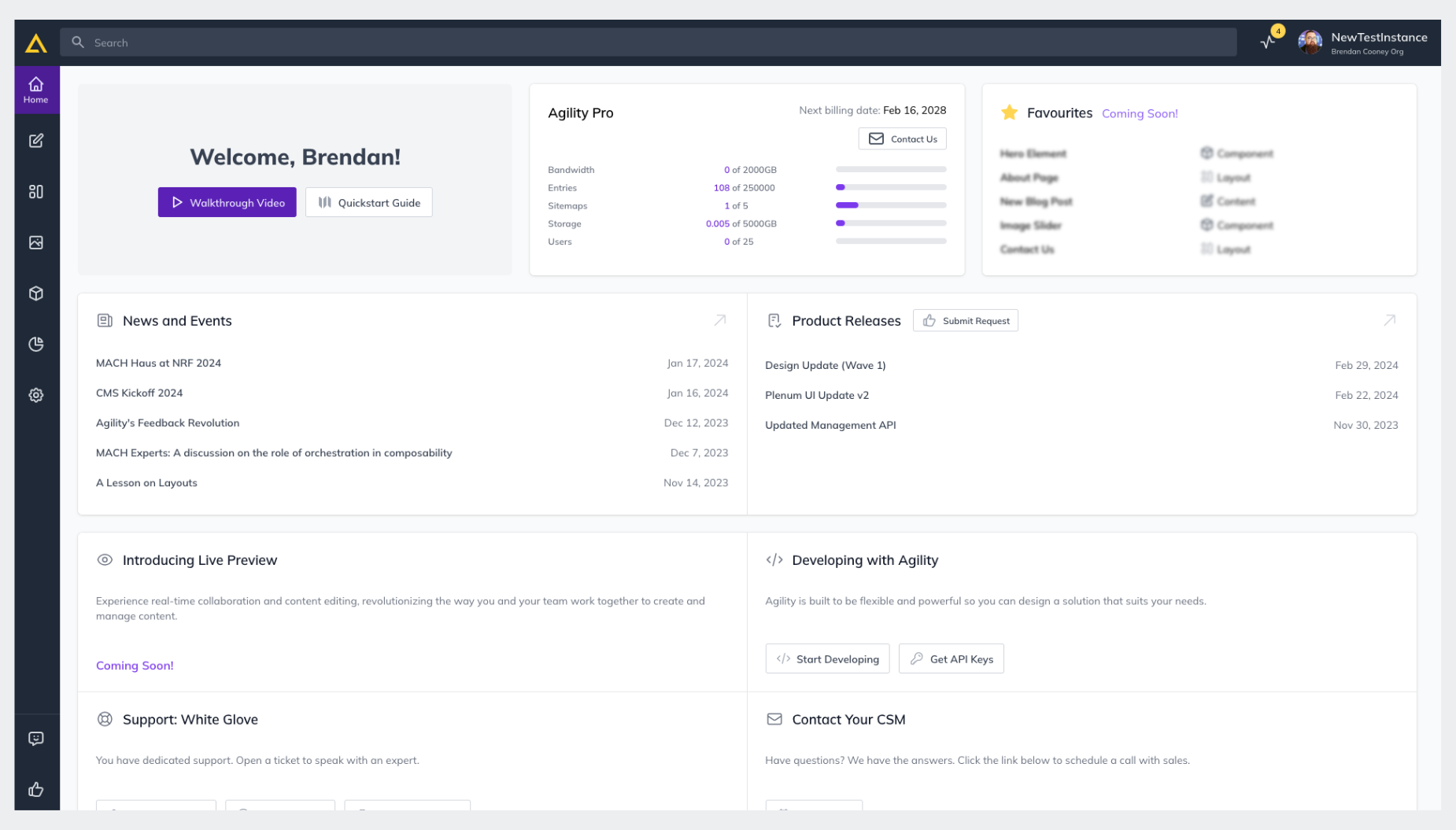
The way you configure your instance is up to you. An instance can represent a single website or app, or you could take a [multi-tenanted approach](https://agilitycms.com/docs/overview/using-agility-cms-for-multiple-sites) where you are powering content for multiple websites. You can have access to many different instances, either grouped in your own [organization](https://agilitycms.com/docs/owners-admins/about-organizations) or across different [organizations](https://agilitycms.com/docs/owners-admins/about-organizations).
An instance has a corresponding [plan/subscription](https://agilitycms.com/pricing) which dictates certain limits and features.
1. **Unlimited flexibility** - You can customize your content and its structure so it fits your exact use case
2. **Grows with you** - You can start from a Free plan, monitor your usage, and upgrade as you need to, instantly with our self-service plan management
3. **Stay in control** - You control which users get access to each instance, content workflows, and if they have permissions to create, modify, and publish content
4. **Get support** - Use our community support or upgrade to a Pro plan for dedicated email support and SLAs
## Monitor your Usage
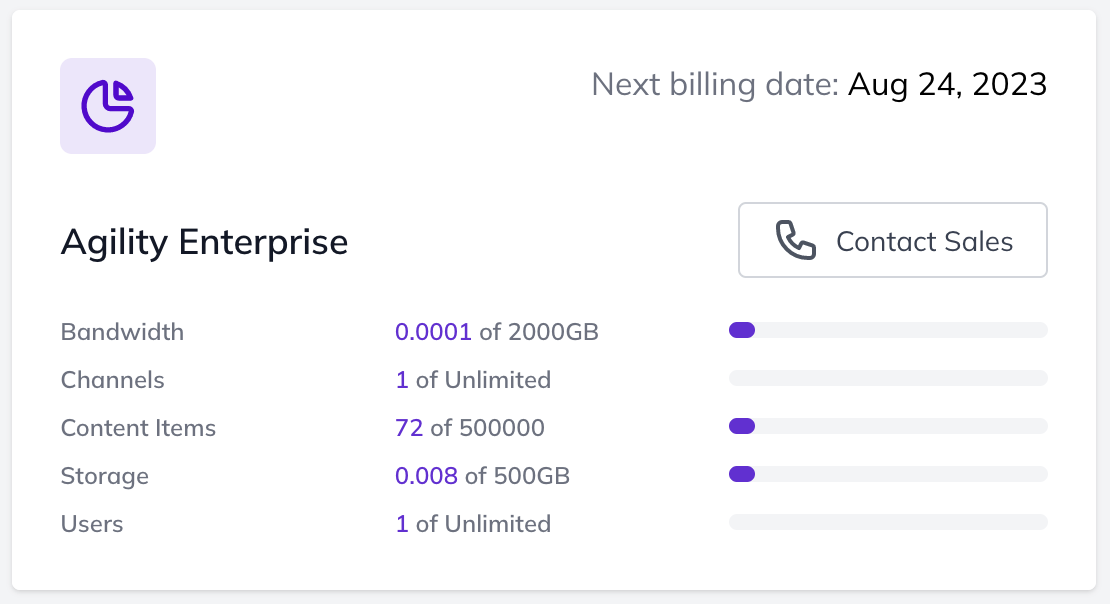
Easily monitor your usage and know when you're hitting your limits. Compare our plans today to see where you fit in.
## Upgrading your Plan
You can upgrade your Agility instance at any time. Consider changing your plan if you require more users, dedicated support, or more bandwidth. [Contact your Customer Success Manager](mailto:support@agilitycms.com) to upgrade.
## Deleting Your Instance
It is possible to delete an Agility instance you may no longer need. To do so, Log in to Agility and select your Organization.
From the list of Instances in your Organization, click on the menu icon beside the instance you wish to delete to reveal the option for deletion.
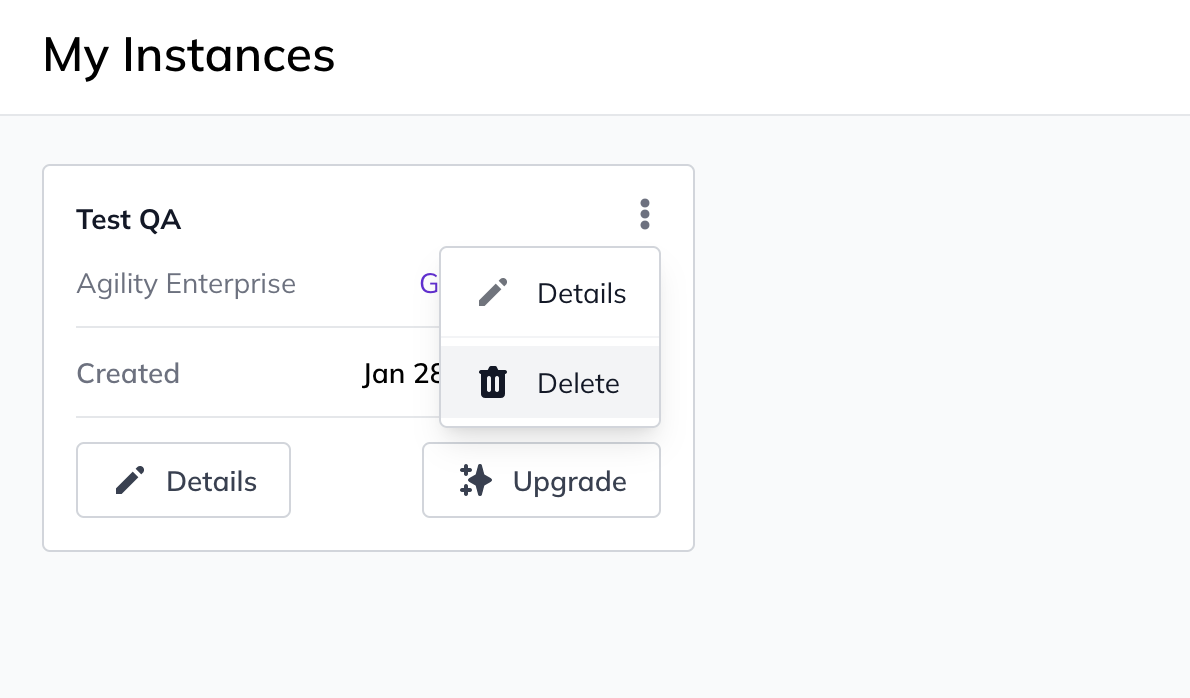
When you click the **Delete **button on an Instance, a prompt will open up stating what will happen upon deletion, and asks you to confirm before moving forward.
Once you enter the name of the instance to confirm, and click "Delete Instance", the instance will be removed from your organization.
> **How do I delete my Instance if I have a Paid Subscription?** — If your Instance is on a Paid Subscription you'll receive a different prompt requesting for you to reach out to support. If you receive this, contact support@agilitycms.com to cancel your subscription and delete your instance.