# Intro to Content for Editors
> Source: https://agilitycms.com/docs/editors/introduction-to-content
## What is Content and how is it managed in Agility?
The Content section in Agility is a hub for Editors to manage and edit any content that’s shared across your website or digital solution. Content Items can be made available to any page of your site and can even be stored in Content Lists to make grouping and publishing content even easier.
## What is an Individual Content Item?
An individual Content Item is a singular content item that you only need one of. A good example is a site header as it's not something you'd need a whole list of.
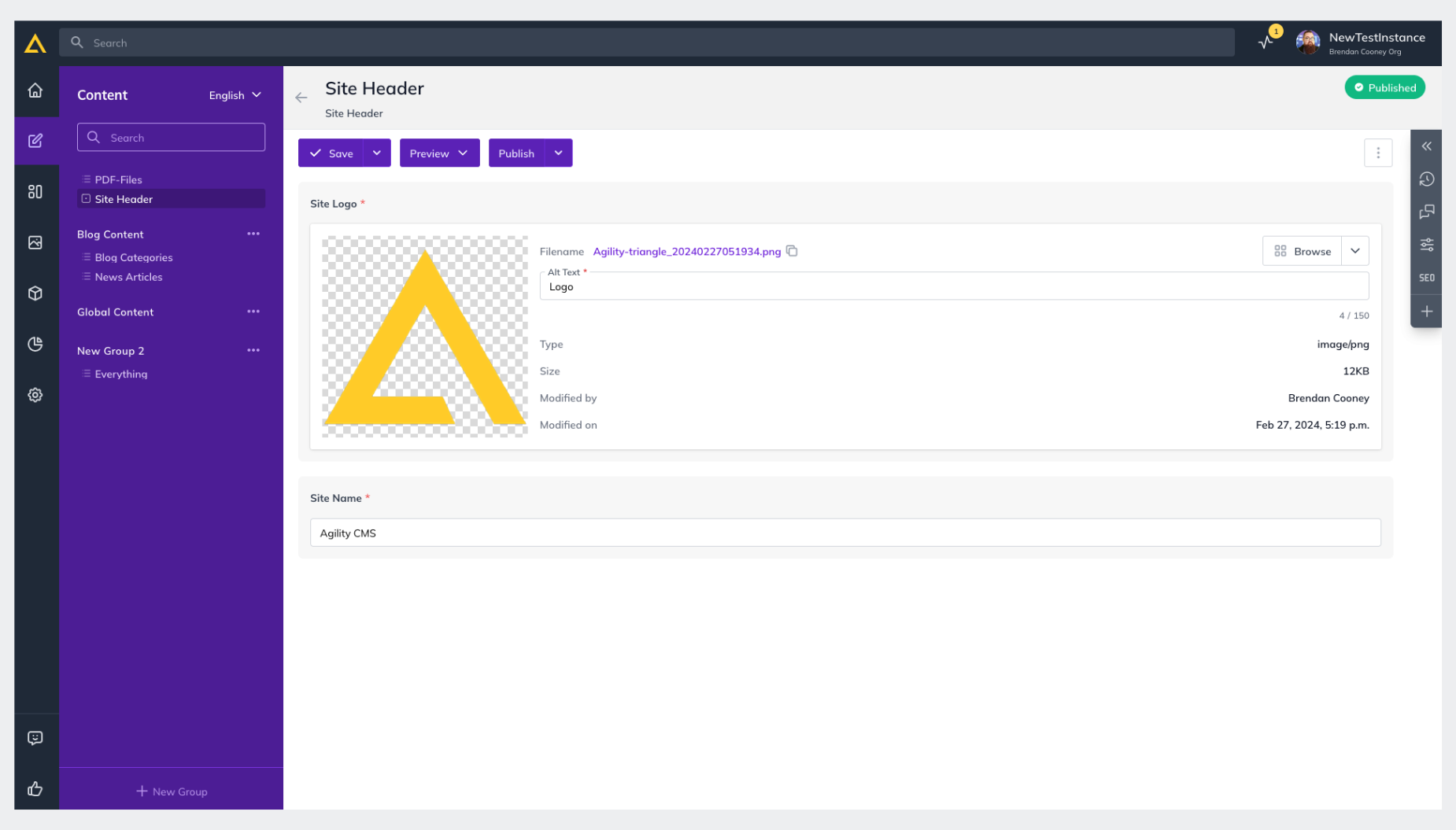
**Example Use Cases**
- You have an individual item that must be accessible across multiple pages (like a Global Header or Footer)
- You don’t require the items to be grouped together in a collection
## What is a Content List?
A Content List allows you to create a collection of content that can easily be shared together or re-purposed across multiple areas of your site, all using the same content model.
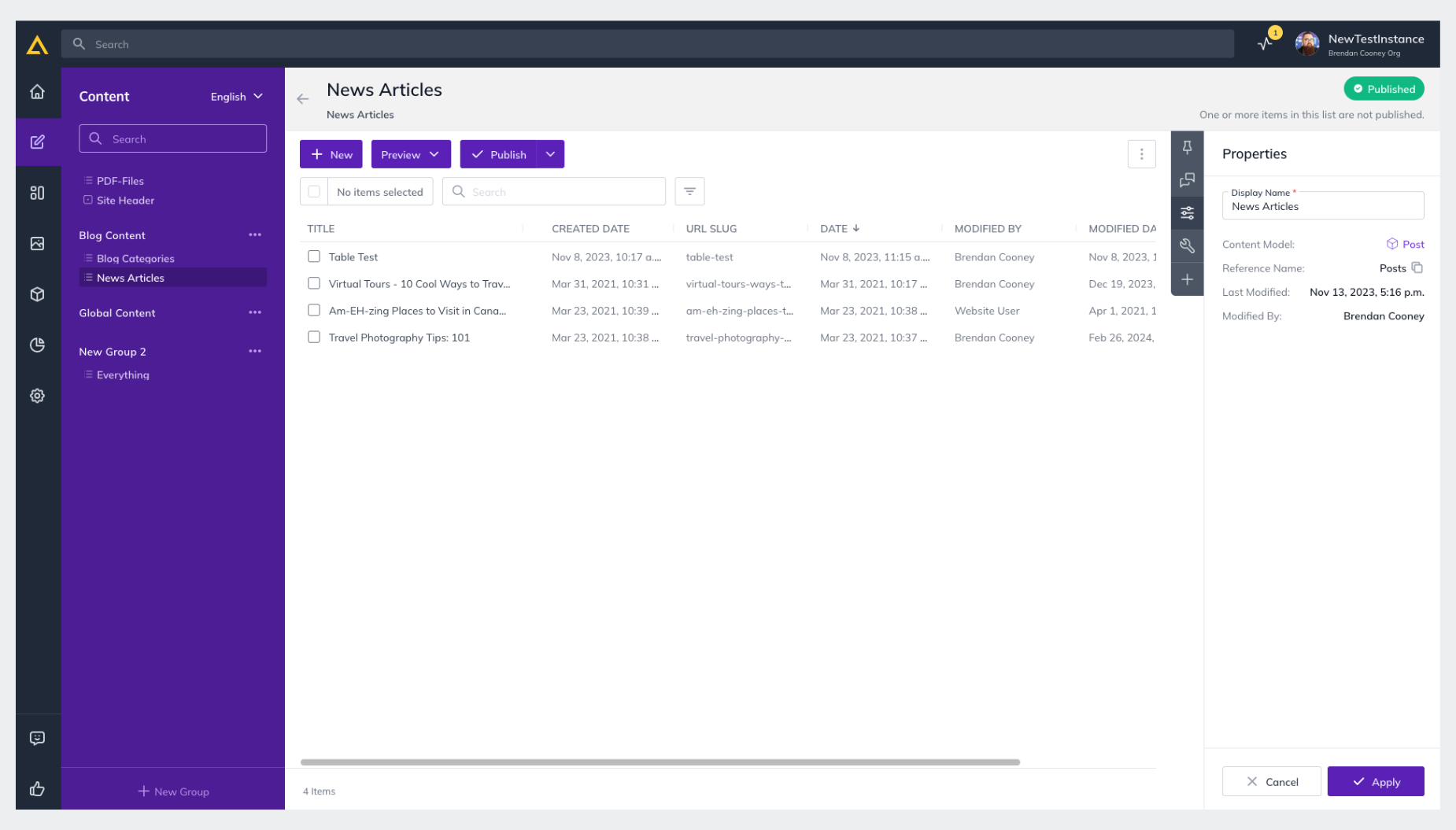
**Example Use Cases**
- You have a list of items that must be accessible to multiple pages *(like a list of news articles) *
- You need to have multiple instances of an item* (i.e., stored in a list) *
- You want to build a Dynamic Page based on items in a Content List
## Content Relationships
Agility allows you to link content to other content you have created which
is tremendously useful for building relationships in your content
architecture.
The way in which you relate content is facilitated by using **Linked Content** fields in your **Content Models**.
There are a variety of Linked Content field types for different
purposes. For example, you may want to create one-to-one, many-to-one,
or one-to-many relationship.
Not only is
this helpful for Editors in Agility, but it can also be useful for
Developers as they model their content architecture and directly
influence what content is returned by the Content Fetch API. The Content
Fetch API will automatically resolve linked content references and
provide all the associated content in a single API call
**Further Reading**
- [Introduction to Pages](https://agilitycms.com/docs/editors/introduction-to-pages)